Process mapping
See how work really flows.
The handoffs. The workarounds. The steps nobody wrote down. Ontora turns conversations with your people into process maps you can act on.
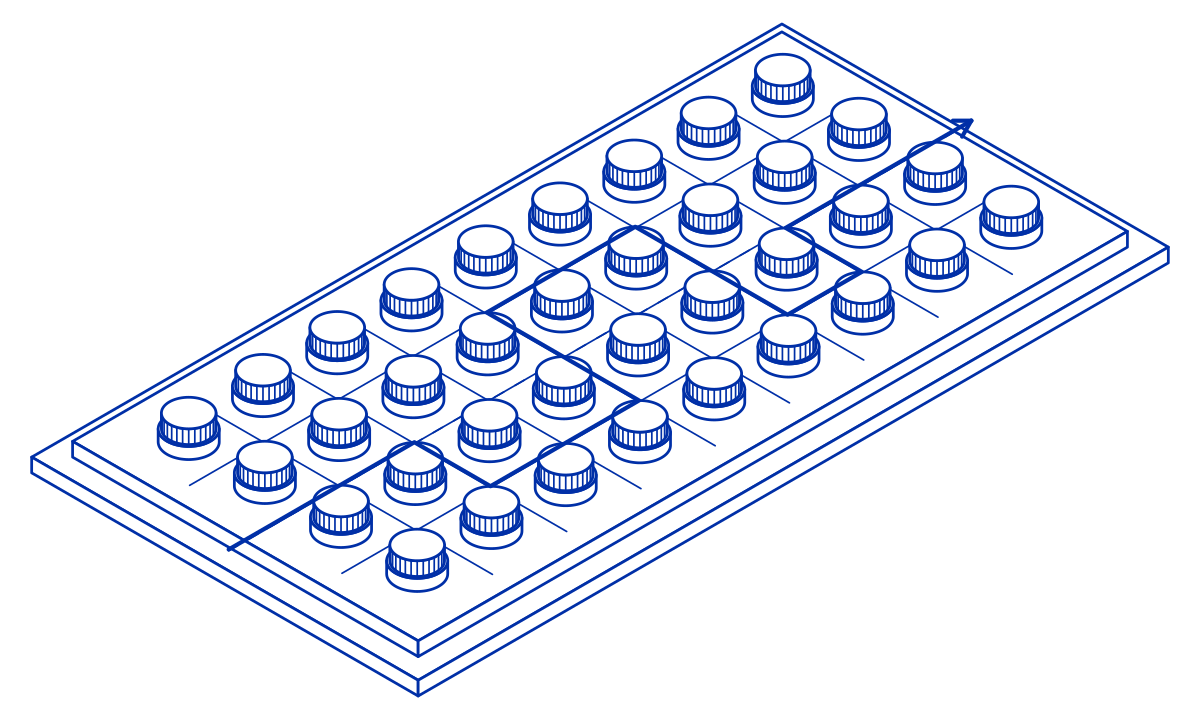
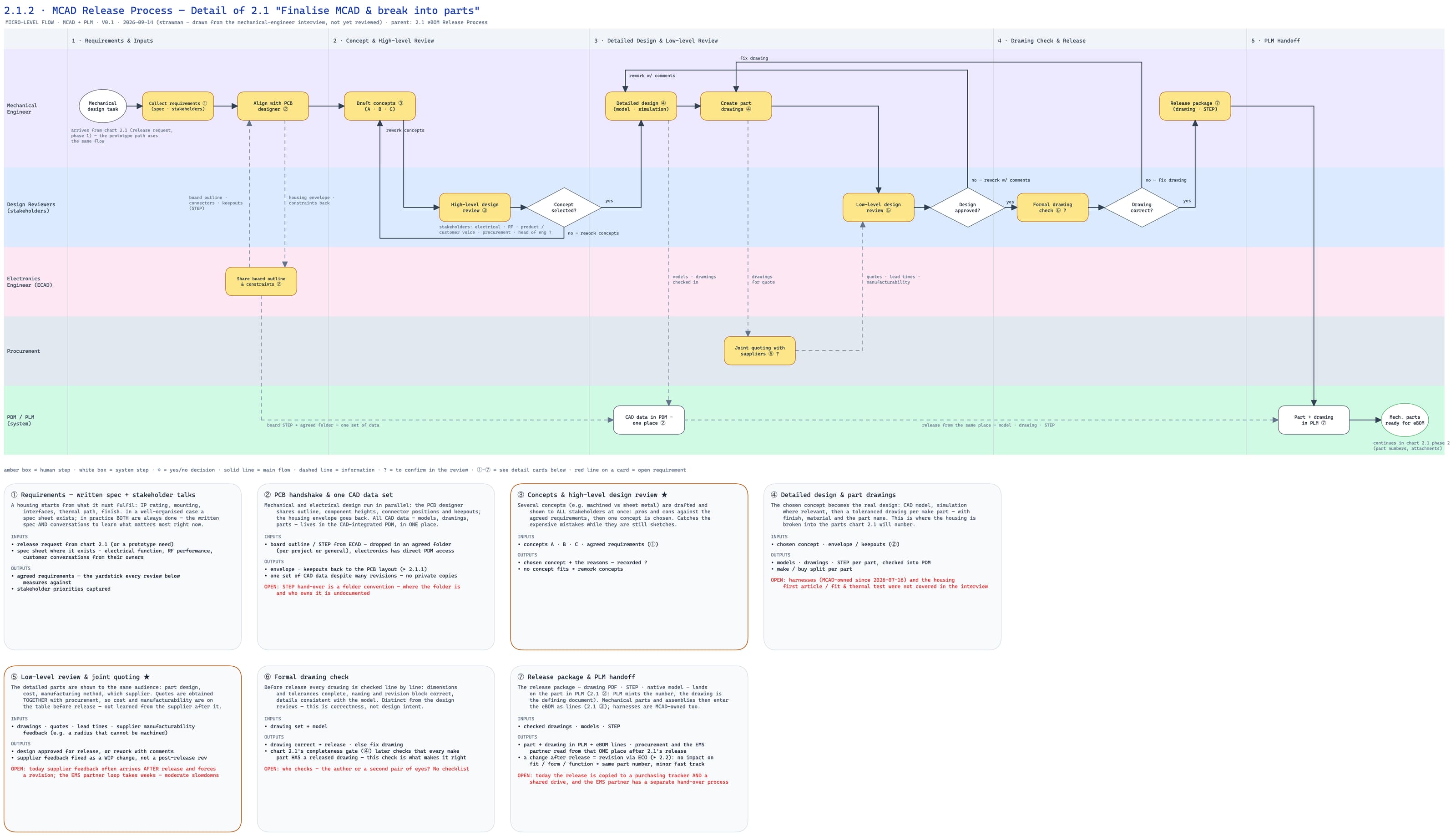
They show the work. You see the process.
Behind every neat process is someone making it work. Their shortcuts and exceptions rarely make it into the documentation.
Watch the product walkthroughChoose the scope
Start with a process or department. Connect your HR system or upload the org list.
Hear every role
The agent asks about tasks, time and handoffs. Interviews run in parallel to build a connected task map.
Follow the critical path
Live screen sharing reveals the real systems, exceptions and workarounds behind each step.
Developed with the AI Strategy Institute.
The AI Strategy Institute brings together AI strategy, consulting and practical training. Together, we developed the interview approach behind Ontora’s Process Discovery Agent.
About the institute

Common questions.
Who is process mapping for?
Leaders who need to know how work actually runs before they automate, reorganize, or hand over a process: COOs and heads of operations, finance and HR shared services, department heads, and AI or transformation leads. It works for a single process, one department, or several departments at once.
How much of our time does it take?
One scoping conversation to choose the process or department and connect your HR system or upload the org list. After that, each person in scope spends about 20 minutes with the agent, whenever it suits them, and people on the critical path a little longer for the deep dive. Interviews run a hundred at a time, so a department is mapped in days rather than the two to three weeks a consultant needs.
Why interview everyone instead of a few key users?
Because the people who were never asked are where the workarounds live. A consultant's map reflects only the people they spoke to, and the process documentation reflects the last reorg. Interviewing everyone in scope shows the spreadsheets, side channels, and rework loops, and where twelve people describe the same process four ways, you see exactly where it isn't defined.
What is the difference between the task map and the process map?
Two views of the same interviews. The task map is a per-role inventory: what each person does, how often, how much effort it takes, and what they hand off to whom. The process deep dive follows the critical path through those tasks and turns it into a process map with steps, handoffs, exceptions, and the reasons behind them. You decide when you scope the campaign which view you need first.
Does the agent watch people's screens?
Only when they choose to share. During the deep dive the agent asks whether the participant wants to show a step; they pick a window or tab, walk through it live, and can stop at any time. There is no background monitoring, and nothing is recorded outside the conversation.
What happens when people describe the same process differently?
The divergence is kept, not averaged away. The map shows where accounts agree and where they split, how many people said what, and links each finding to the conversations behind it. That is usually where the process is undefined, undocumented, or held together by one person.
Will employees take part, and will they be honest?
The conversation is short, runs in the participant's own language by voice or text, and follows up on what they say, which makes it far easier to complete than a form. People also tend to be more candid with a neutral interviewer than with their manager about workarounds and rework. Anonymity is set per campaign: anonymous, named, or the participant's choice, and every participant sees the setting before they start.
What exactly do we get at the end?
A campaign report with the task inventory, the process maps, and the automation candidates that surfaced, each finding linked to the conversations it came from. Explore it in your workspace, export as PDF, Markdown or CSV, or keep asking the knowledge base from your own AI tools via MCP.
Where does our data live, and who can see it?
Your data belongs to you; Ontora processes it on your behalf under a data processing agreement. You choose hosting in the EU or the US at signup, and EU customer data stays on EU servers. Interview data is used for your campaign only and is never shared with other customers. You decide who in your organization can see transcripts and results, and an on-premise setup is available on request. The subprocessors we rely on are listed publicly.
What happens after the map?
You pick the first two or three candidates and build. Your own team, an implementation partner, or Ontora's execution agents can all work from the same maps and transcripts, because they stay in your workspace and are queryable via MCP. When the change is live, a short check-in campaign tells you whether it landed or whether people went back to the old way.